
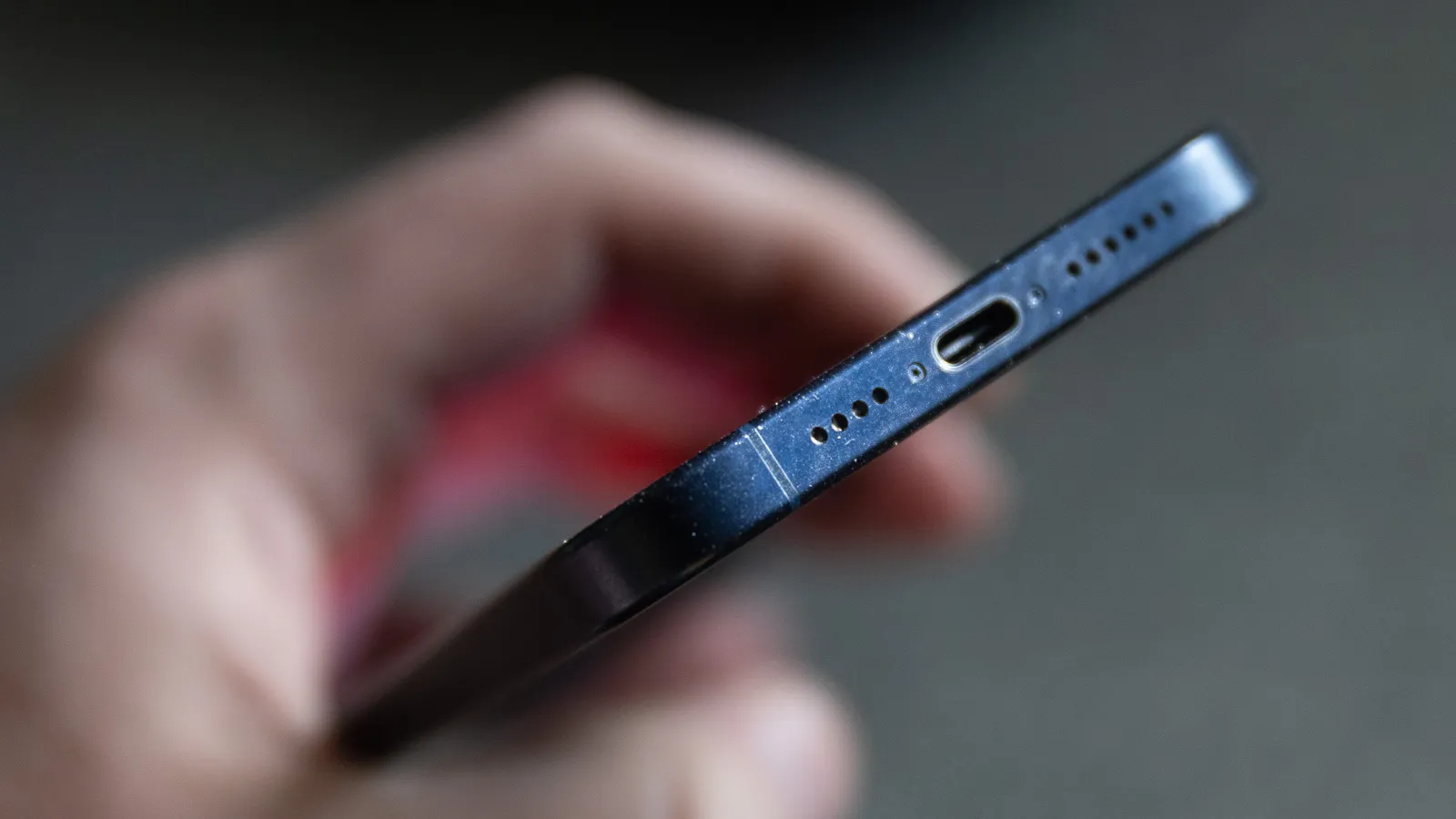
Water and electronics don’t mix well, especially when it finds its way into a phone speaker. If you’ve just dropped your device in a pool, sink, or a rainy puddle, you’re likely wondering how to recover sound without causing more damage. This guide focuses on practical, proven methods to minimize harm while encouraging safe drying. For a quick read that targets the exact query, you’ll find a direct link below to a trusted resource on this topic.
First, remember the most important rule: power off your phone immediately. A wet device can short circuits, so turn it off, remove any case or accessories, and avoid charging or pressing buttons aggressively. If your phone is submerged, don’t try to power it on to test the speaker. Instead, let gravity help—water tends to pool in the speaker grill and can slowly drain out if given the chance.
Immediate steps to stabilize the situation
Gently shake the phone to dislodge excess moisture from the speaker area, but do not shake vigorously or insert objects into the grill. Place the device in an upright position with the speaker facing downward, which can help water escape through the grille. Keep the phone in a dry, well-ventilated space. If you have silica gel packets, place the device in a small bag or container with them; silica gel is a more reliable desiccant than rice because it’s dry and non-dusty, helping to absorb moisture more efficiently without leaving residue.
Desiccants, airflow, and patience: practical drying methods
After you’ve ensured the device is off, give it time to air out. A popular tip is to place the phone near a gentle airflow, such as a fan on a low setting, to encourage evaporation. If you’re considering desiccants, silica gel is your best bet—place the phone with several packets in a sealed container for 24 to 48 hours. Some people debate the effectiveness of rice, which can attract dust and potentially get stuck in tiny openings; while rice may help in theory, it’s slower and less reliable than silica gel or commercial moisture absorbers. The key is not to apply heat or use a vacuum on the speaker, which can force water deeper into the device.
During this drying period, refrain from using the phone to avoid sending moisture to internal components. If the speaker remains muffled or damp after drying, don’t assume it’s fine to keep using it. Moisture can corrode contacts over time, and continued use can lead to permanent damage.
What to avoid and when to seek professional help
Avoid using hairdryers, heaters, microwaves, or any hot air source. Heat can warp components and push moisture further into the device. Do not tap the speaker aggressively or insert cotton swabs, which can push water deeper or leave fibers behind. If you notice corrosion, buzzing sounds, crackling, or if the screen shows signs of moisture inside, it’s time to seek professional repair services.
Assessing results and long-term prevention
Once the device has had time to dry, power it on and test the speaker by playing a low-volume audio track. If the sound is clear and loud, you’ve successfully recovered the speaker. If there’s still distortion, muffling, or water droplets visible in the grille, consider a professional diagnostic. In some cases, the speaker may need a replacement, or internal components may have sustained lasting damage.
To reduce the risk of future incidents, protect your phone with a rated IP-rated case or a waterproof pouch, and avoid exposing the device to water whenever possible. Regularly cleaning the speaker grille with a soft brush can prevent dust buildup that worsens muffled sound after moisture exposure.
For additional guidance and related tech tips, visit Magazine Camp and explore more best practices for keeping your gadgets safe.
If you’re looking for a direct resource on this topic, you can read more specifically about the issue here: how to get water out of phone speaker.