
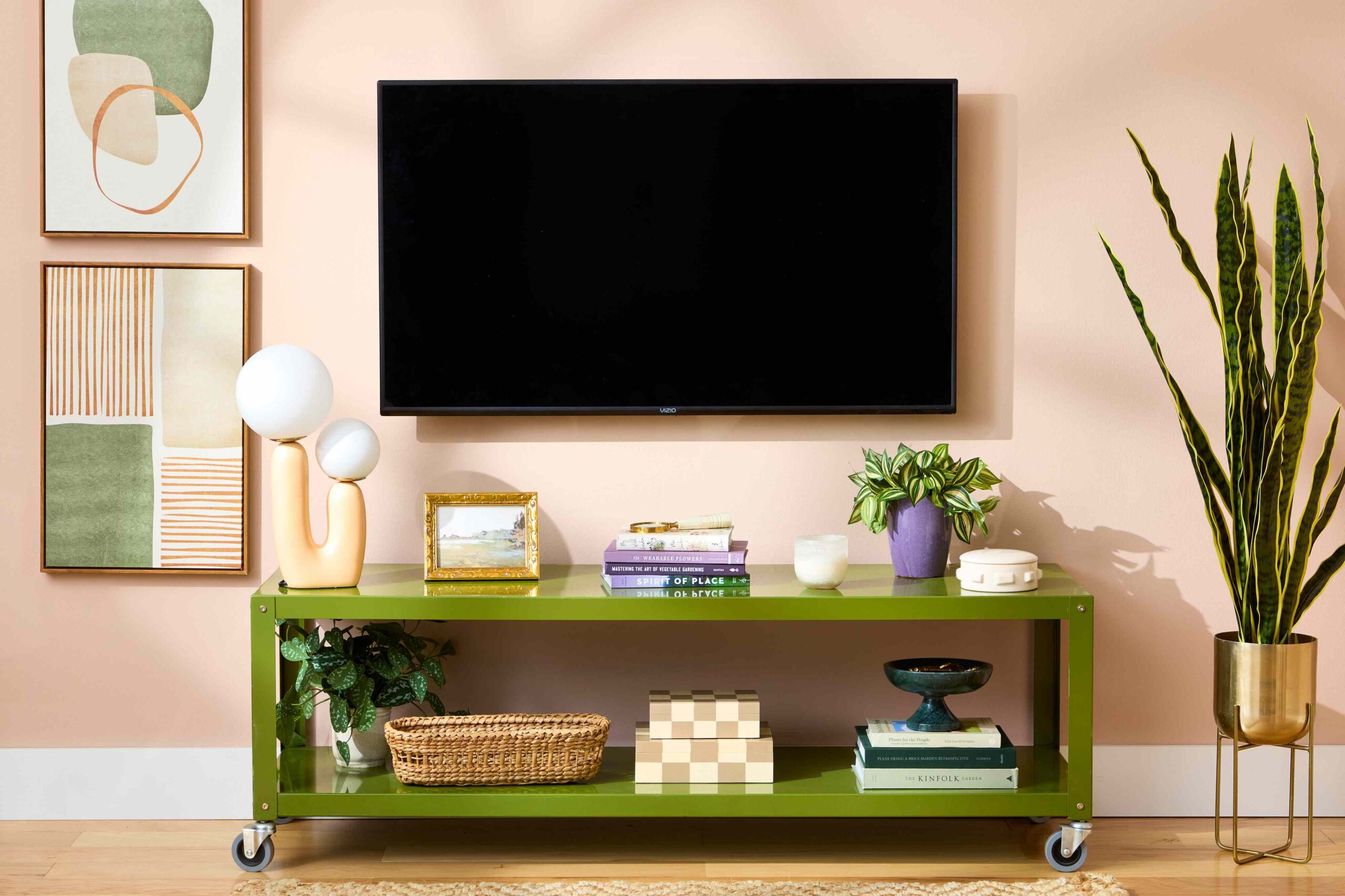
Living rooms shine when the TV is mounted on a wall and the cables fade into the background. how to hide wires from mounted tv is a common question among homeowners aiming for a tidy, modern setup. With a few practical steps, you can achieve a seamless look without sacrificing safety or function.
Why hiding wires matters
Visible cables create visual clutter, attract dust, and can be a tripping hazard, especially in high-traffic spaces or rooms used for entertaining. A clean wall keeps the focus on the screen and the content, not the cords. Properly managed wires also prevent accidental unplugging and reduce wear on HDMI and power connections over time.
Top methods to hide wires
Choose a method based on wall type, construction, and your comfort with DIY projects. Here are common options ranked by durability and ease:
- In-wall wiring with a power relocation kit: This option offers the most seamless look by routing power and video cables behind the wall. Use an in-wall rated HDMI cable and a code-compliant power relocation kit that lets you position the electrical outlet behind the TV. This method requires careful planning and, in many places, permits or professional installation.
- Cable raceways or cord covers: For a quick, non-permanent solution, install low-profile raceways along the wall. They come in white, black, and wood grain to match décor, and conceal both power and signal cables. Look for paintable options to blend with your walls.
- Behind-the-wall with studs accessed: If you’re comfortable drilling and fishing wires through wall cavities, you can run cables along studs using fish tape. This keeps cables hidden and reduces sag over time, but it requires drywall work and careful mounting to avoid damaging structural elements.
- Behind crown molding or along baseboards: If wall access is limited, consider routing cables through the top edge of a wall or along baseboards using flexible conduit. A careful paint job helps these routes disappear.
- Wireless options where practical: Some devices support wireless HDMI transmitters or streaming alternatives. While not a complete replacement for all cables, wireless solutions can reduce the number of cords visible.
Step-by-step planning
Start by measuring the distance from the wall to each device (consoles, soundbars, Blu-ray players) and map a path for cables. Check your wall type and local electrical codes. Decide whether you’ll hide cables entirely inside the wall or keep some on the surface for easier future access. If you’re unsure about electrical work, consult a licensed electrician or an AV installer to ensure compliance and safety.
Tools and safety tips
Common tools include a stud finder, drywall saw, low-voltage mounting brackets, and cable clips. Always turn off power when working near outlets and never run power cables inside walls without a listed in-wall kit. Label cables before you disconnect anything to avoid confusion later.
DIY vs. professional help
If you want the most polished result, hiring a pro ensures neat routing and code compliance. For many homeowners, a combination approach—hiding some wires behind a raceway and other cables in-wall—works well and saves time.
Ready to start? Discover more tips and ideas on the A Home Guru homepage for inspiration and detailed guides.
 Admin
Admin