
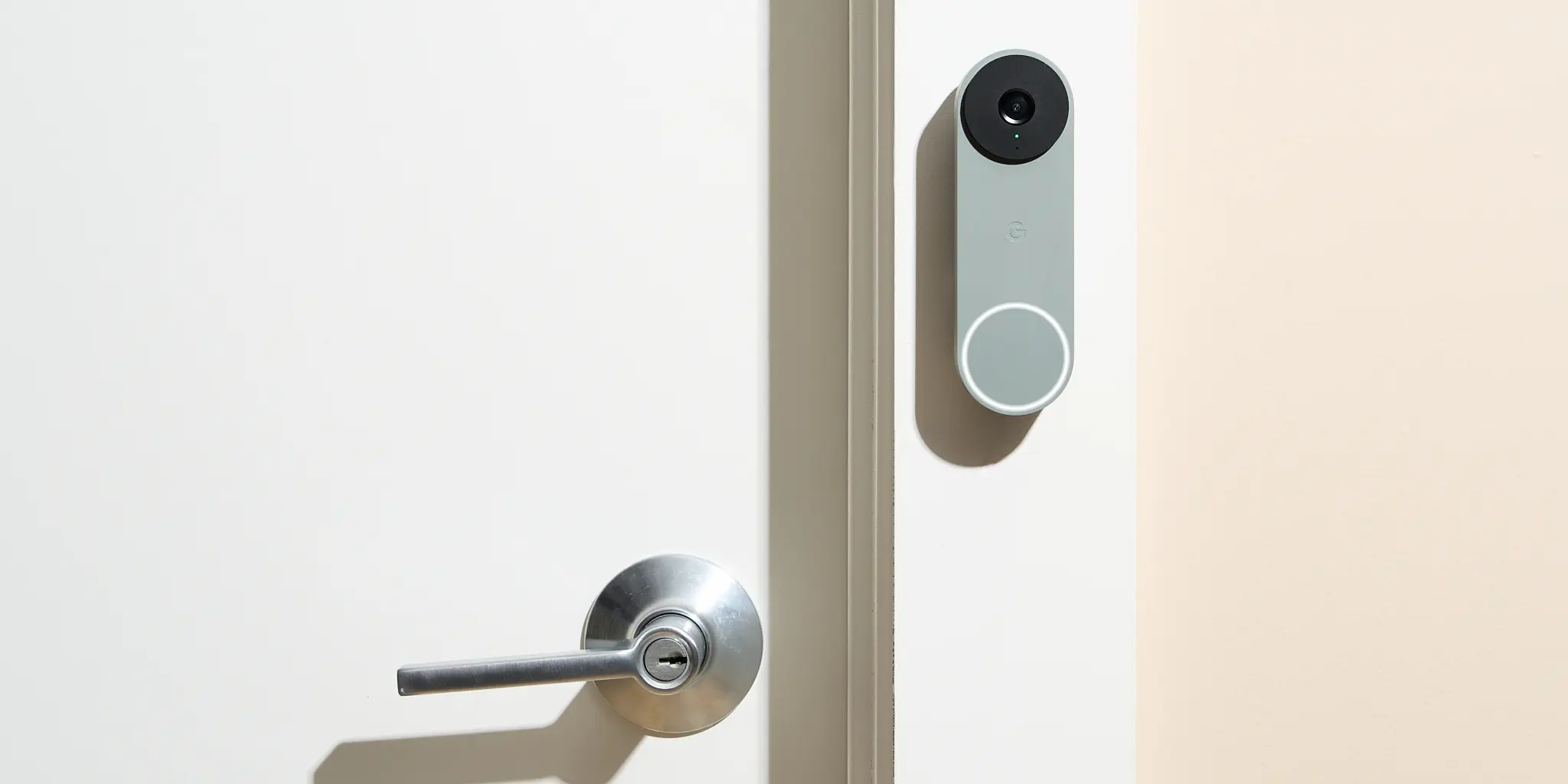
In today’s connected homes, a wireless door camera is more than a gadget—it’s a frontline defense against porch piracy, unsolicited guests, and broader security concerns. With so many options on the market, from battery-powered units to hardwired hybrids, homeowners want clarity on installation, features, and real-world performance. This guide helps you navigate the essentials, from video quality to privacy settings, so you can pick a model that fits your space, budget, and risk profile.
Why a wireless door camera matters
Wireless door cameras bring eyes to your entry points without the clutter of wires. They typically connect via Wi‑Fi or Bluetooth to your smartphone, letting you monitor feeds in real-time, receive alerts, and communicate with visitors remotely. The portability and easy mounting make them popular for apartments, rental homes, and single-family houses alike. Besides deterring theft, they provide evidence for insurance claims and can be a critical component of a broader smart home security system. When you’re evaluating options, prioritize models that offer reliable connectivity, clear daytime and nighttime video, and fast motion alerts that reduce false notifications.
Key features to look for
- Video quality: Look for at least 1080p resolution with a wide field of view.
- Night vision: Infrared or color Night Vision helps you identify visitors after dark.
- Two-way audio: Built-in mic and speaker enable quick replies or warnings.
- Motion detection: Advanced zones let you focus on important areas (door, walkway) and minimize false alarms from foliage or vehicles.
- Power and storage: Battery life matters for maintenance, while local or cloud storage choices affect ongoing costs and privacy.
- Encryption and privacy controls: End-to-end encryption and tamper alerts protect footage from unauthorized access.
- App stability and updates: Regular firmware updates keep features current and vulnerabilities patched.
Placement, installation, and daily use
Place the camera where it has a clear view of the entrance and minimal glare from streetlights. Height matters; about 5 to 7 feet offers a good balance between capturing faces and avoiding easy tampering. Most wireless door cameras install with mounting kits and adhesive pads that work on siding, brick, or wood. If you’re renting, opt for models that can be mounted without drilling or those that come with removable mounts. Pair the device with a strong home Wi‑Fi network to ensure steady streaming and prompt alerts. Set up smart routines, like turning on alerts during certain hours or when the home is unoccupied, to maximize effectiveness while reducing noise from nuisance motion.
Privacy, security, and best practices
With any camera, privacy is paramount. Use strong, unique passwords for the camera’s app, enable two‑factor authentication, and review shared access regularly. If cloud storage is offered, weigh convenience against ongoing costs and potential data exposure. Local storage options, such as microSD cards or USB backups, can provide a layer of redundancy. Regularly update firmware, disable unnecessary features, and respect neighbors’ privacy by avoiding recording beyond your property boundaries. For households with children or visitors, communicate clearly about surveillance and its purpose to maintain trust and compliance with local regulations.
Where to learn more
To explore a detailed breakdown of models, features, and real-world performance, check our comprehensive guide on a wireless door camera. This resource compares popular brands, price ranges, and installation tips to help you choose confidently. For broader security tech insights and updates, visit NewsLoger and subscribe to fresh content tailored for homeowners seeking practical, reliable advice.
 Admin
Admin